
|
|
Footprints in the SandFirst you will need to open up a sand texture. 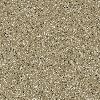
Open up a new image 400x300 pixels, 16million colors, transparent background. 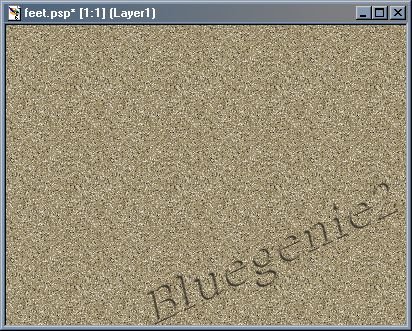
Now go to Selections, Load from disc, and choose leftfoot.sel. 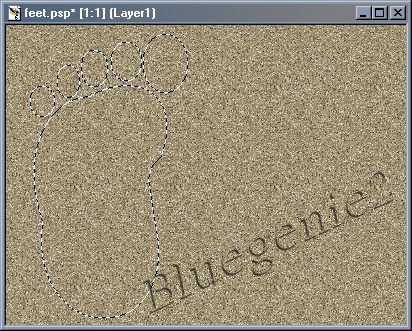
Now go to Image, effects, outer bevel and set it up like below. 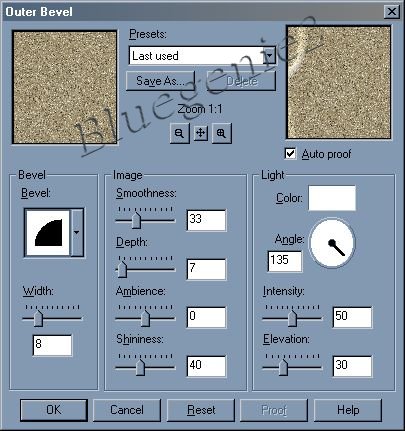
Now go to Colors, Adjust, Brightness/Contrast and set it like below. 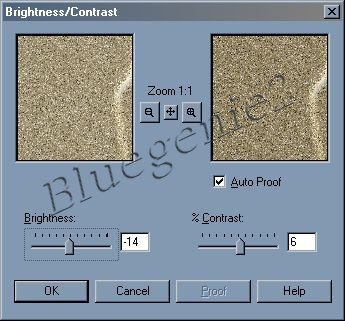
Now go to Selections, Select None and your image should look similar to this. 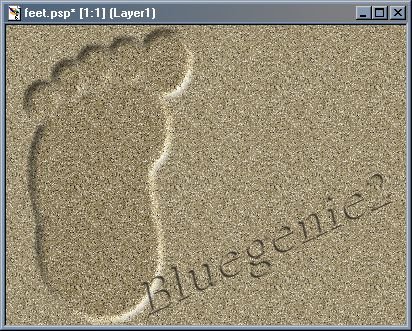
Now repeat the steps above for the rightfoot.sel. 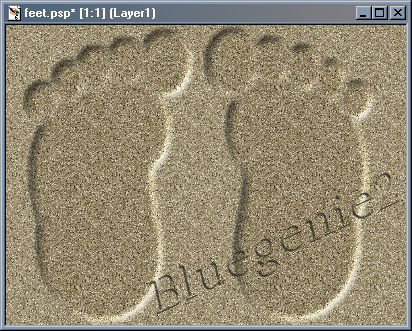
This is the finished image, you can resize it or just play around with it. Tutorial Index |

 tool
and the right-click button on your mouse
tool
and the right-click button on your mouse